
คู่มือสร้าง AI Automation Workflow ครบวงจร
ในยุคที่ AI กลายเป็นส่วนสำคัญของธุรกิจ การสร้าง Automation Workflow ที่เชื่อมต่อ AI เข้ากับระบบต่างๆ จะช่วยประหยัดเวลา ลดข้อผิดพลาด และเพิ่มประสิทธิภาพการทำงานได้อย่างมหาศาล บทความนี้จะพาคุณไปเรียนรู้ตั้งแต่พื้นฐานไปจนถึงการสร้าง Workflow ที่ซับซ้อน
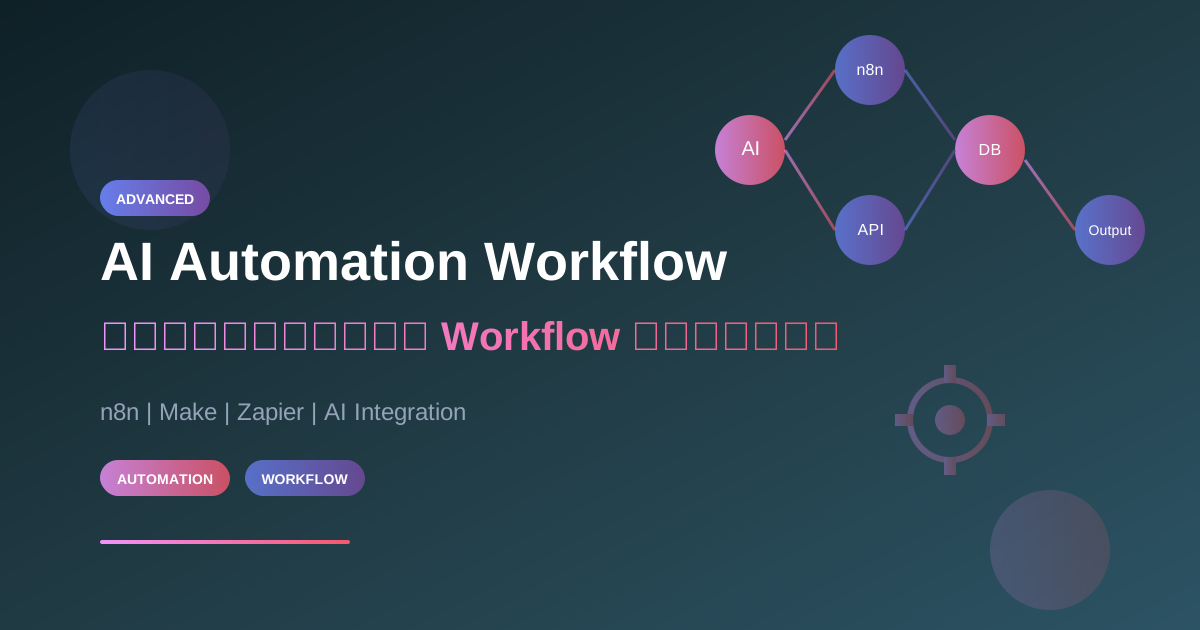
ในยุคที่ AI กลายเป็นส่วนสำคัญของธุรกิจ การสร้าง Automation Workflow ที่เชื่อมต่อ AI เข้ากับระบบต่างๆ จะช่วยประหยัดเวลา ลดข้อผิดพลาด และเพิ่มประสิทธิภาพการทำงานได้อย่างมหาศาล บทความนี้จะพาคุณไปเรียนรู้ตั้งแต่พื้นฐานไปจนถึงการสร้าง Workflow ที่ซับซ้อน
AI Automation คืออะไร?
AI Automation คือการนำ AI มาทำงานร่วมกับระบบอัตโนมัติ เพื่อให้ระบบสามารถ "คิด" และ "ตัดสินใจ" ได้ด้วยตัวเอง ไม่ใช่แค่ทำงานตามกฎที่กำหนดไว้ล่วงหน้า
ความแตกต่างระหว่าง Traditional Automation vs AI Automation
Traditional Automation:
IF order_value > 10000 THEN apply_discount(10%)
→ ทำงานตามกฎตายตัว

AI Automation:
ANALYZE customer_history + order_context
→ DECIDE optimal_discount based on lifetime_value
→ PERSONALIZE offer message
→ คิดและปรับตัวได้
ประโยชน์ของ AI Automation
- ลดงาน Manual: ทำงานซ้ำๆ แทนคนได้ 24/7
- ตัดสินใจได้ดีขึ้น: วิเคราะห์ข้อมูลจำนวนมากได้รวดเร็ว
- Personalization: ปรับแต่งการทำงานตามบริบท
- Scalability: รองรับปริมาณงานที่เพิ่มขึ้นได้ง่าย
- ลดข้อผิดพลาด: AI ไม่เหนื่อย ไม่พลาดจากความประมาท
เครื่องมือสำหรับสร้าง AI Automation Workflow
1. n8n (แนะนำสำหรับผู้เริ่มต้น)
n8n เป็น Open Source Workflow Automation Tool ที่ทรงพลังและฟรี
ข้อดี:
- Self-hosted ได้ (ควบคุมข้อมูลเอง)
- มี AI Nodes ในตัว (OpenAI, Claude, etc.)
- Community ใหญ่
- Visual Editor ใช้งานง่าย
ตัวอย่าง Use Case:
Email เข้า → AI วิเคราะห์เนื้อหา → จัดหมวดหมู่ → ส่งต่อทีมที่เกี่ยวข้อง
2. Make (เดิมชื่อ Integromat)
Make เหมาะสำหรับการเชื่อมต่อหลาย App พร้อมกัน
ข้อดี:
- UI สวยงาม ใช้งานง่าย
- มี Integration มากกว่า 1000+ apps
- รองรับ Complex Logic
3. Zapier
Zapier เป็นที่นิยมสำหรับ Non-technical users
ข้อดี:
- ง่ายที่สุดในการเริ่มต้น
- Integration มากมาย
- Templates พร้อมใช้
เปรียบเทียบเครื่องมือ
| Feature | n8n | Make | Zapier |
|---|---|---|---|
| ราคา | ฟรี (Self-hosted) | $9/mo+ | $20/mo+ |
| AI Support | ดีเยี่ยม | ดี | ดี |
| Complexity | สูง | ปานกลาง | ต่ำ |
| Self-hosted | ได้ | ไม่ได้ | ไม่ได้ |
| Learning Curve | ปานกลาง | ต่ำ | ต่ำมาก |
สถาปัตยกรรม AI Automation Workflow
Architecture Overview
┌─────────────────────────────────────────────────────────────────┐
│                    AI Automation Workflow                       │
├─────────────────────────────────────────────────────────────────┤
│                                                                 │
│  ┌──────────┐     ┌──────────┐     ┌──────────┐                │
│  │ Trigger  │────▶│ AI       │────▶│ Action   │                │
│  │ (Input)  │     │ Process  │     │ (Output) │                │
│  └──────────┘     └──────────┘     └──────────┘                │
│       │                │                 │                      │
│       ▼                ▼                 ▼                      │
│  - Webhook        - Analyze         - Send Email               │
│  - Schedule       - Classify        - Update DB                │
│  - Form           - Generate        - Notify                   │
│  - Email          - Summarize       - Create Task              │
│                                                                 │
├─────────────────────────────────────────────────────────────────┤
│  Supporting Services:                                           │
│  ┌──────────┐  ┌──────────┐  ┌──────────┐  ┌──────────┐       │
│  │ Database │  │ Storage  │  │ CRM      │  │ Slack    │       │
│  └──────────┘  └──────────┘  └──────────┘  └──────────┘       │
└─────────────────────────────────────────────────────────────────┘
Components ของ Workflow
1. Triggers (ตัวกระตุ้น)
สิ่งที่ทำให้ Workflow เริ่มทำงาน:
- Webhook: เรียกจากระบบภายนอก
- Schedule: ทำงานตามเวลาที่กำหนด
- Event-based: เมื่อมี event เกิดขึ้น (email เข้า, form submit)
- Manual: กดปุ่มเริ่มเอง
2. AI Processing (การประมวลผล AI)
การใช้ AI ในการประมวลผลข้อมูล:
// ตัวอย่าง: วิเคราะห์ sentiment ของ feedback
const analyzeFeedback = async (feedback) => {
  const response = await openai.chat.completions.create({
    model: "gpt-4",
    messages: [
      {
        role: "system",
        content: `Analyze customer feedback and return JSON:
        {
          "sentiment": "positive|neutral|negative",
          "urgency": "low|medium|high",
          "category": "product|service|delivery|other",
          "summary": "brief summary",
          "suggested_action": "recommended action"
        }`
      },
      { role: "user", content: feedback }
    ]
  });

  return JSON.parse(response.choices[0].message.content);
};
3. Actions (การกระทำ)
สิ่งที่ Workflow ทำหลังประมวลผล:
- ส่งข้อความ (Email, Slack, SMS)
- อัปเดตฐานข้อมูล
- สร้าง Task ใน Project Management
- เรียก API อื่น
- สร้างรายงาน
ตัวอย่าง AI Automation Workflows
Workflow 1: Customer Support Automation
Use Case: รับ email จากลูกค้า → AI วิเคราะห์ → ส่งต่อทีมที่เกี่ยวข้อง
┌─────────────┐    ┌─────────────┐    ┌─────────────┐
│ Email       │───▶│ AI Classify │───▶│ Route to    │
│ Received    │    │ & Analyze   │    │ Right Team  │
└─────────────┘    └─────────────┘    └─────────────┘
                          │
                          ▼
                   ┌─────────────┐
                   │ Auto-Reply  │
                   │ if possible │
                   └─────────────┘
n8n Workflow Configuration:
{
  "nodes": [
    {
      "name": "Email Trigger",
      "type": "n8n-nodes-base.emailTrigger",
      "parameters": {
        "mailbox": "[email protected]"
      }
    },
    {
      "name": "AI Classification",
      "type": "n8n-nodes-base.openAi",
      "parameters": {
        "model": "gpt-4",
        "prompt": "Classify this email into: billing, technical, sales, feedback"
      }
    },
    {
      "name": "Route to Team",
      "type": "n8n-nodes-base.switch",
      "parameters": {
        "rules": [
          { "value": "billing", "output": "billing_team" },
          { "value": "technical", "output": "tech_support" }
        ]
      }
    }
  ]
}
Workflow 2: Content Generation Pipeline
Use Case: สร้าง content จาก keyword → AI เขียน → Review → Publish
# Python Script สำหรับ Content Pipeline
import openai
from datetime import datetime

class ContentPipeline:
    def __init__(self):
        self.openai = openai.OpenAI()

    def generate_outline(self, keyword: str) -> dict:
        """สร้าง outline จาก keyword"""
        response = self.openai.chat.completions.create(
            model="gpt-4",
            messages=[
                {
                    "role": "system",
                    "content": "สร้าง outline สำหรับบทความ SEO ภาษาไทย"
                },
                {"role": "user", "content": f"Keyword: {keyword}"}
            ]
        )
        return {"outline": response.choices[0].message.content}

    def write_section(self, outline: str, section: str) -> str:
        """เขียนเนื้อหาแต่ละส่วน"""
        response = self.openai.chat.completions.create(
            model="gpt-4",
            messages=[
                {
                    "role": "system",
                    "content": f"เขียนบทความภาษาไทย ตาม outline: {outline}"
                },
                {"role": "user", "content": f"เขียนส่วน: {section}"}
            ]
        )
        return response.choices[0].message.content

    def generate_seo_metadata(self, content: str) -> dict:
        """สร้าง SEO metadata"""
        response = self.openai.chat.completions.create(
            model="gpt-4",
            messages=[
                {
                    "role": "system",
                    "content": """สร้าง SEO metadata ในรูปแบบ JSON:
                    {
                        "title": "หัวข้อ SEO (60 chars)",
                        "description": "คำอธิบาย (160 chars)",
                        "keywords": ["keyword1", "keyword2"]
                    }"""
                },
                {"role": "user", "content": content[:2000]}
            ]
        )
        return response.choices[0].message.content
Workflow 3: Sales Lead Scoring
Use Case: รับ Lead ใหม่ → AI วิเคราะห์ → ให้คะแนน → แจ้ง Sales Team
// Lead Scoring Workflow
const scoreLeadWithAI = async (leadData) => {
  const prompt = `
    Analyze this lead and score from 1-100:

    Company: ${leadData.company}
    Industry: ${leadData.industry}
    Company Size: ${leadData.employees}
    Budget: ${leadData.budget}
    Timeline: ${leadData.timeline}
    Pain Points: ${leadData.painPoints}

    Return JSON:
    {
      "score": number,
      "reasoning": "string",
      "recommended_action": "immediate_contact|nurture|low_priority",
      "talking_points": ["point1", "point2"]
    }
  `;

  const response = await openai.chat.completions.create({
    model: "gpt-4",
    messages: [
      { role: "system", content: "You are a sales intelligence AI." },
      { role: "user", content: prompt }
    ]
  });

  return JSON.parse(response.choices[0].message.content);
};

// Workflow execution
const processNewLead = async (lead) => {
  // 1. Score the lead
  const scoreResult = await scoreLeadWithAI(lead);

  // 2. Store in CRM
  await updateCRM(lead.id, scoreResult);

  // 3. Notify sales if high score
  if (scoreResult.score >= 80) {
    await notifySlack({
      channel: "#high-priority-leads",
      message: `🔥 Hot Lead: ${lead.company} (Score: ${scoreResult.score})`
    });
  }

  // 4. Add to appropriate sequence
  if (scoreResult.recommended_action === "immediate_contact") {
    await addToSalesSequence(lead, "fast-track");
  } else {
    await addToNurtureSequence(lead);
  }
};
Workflow 4: Document Processing
Use Case: อัปโหลดเอกสาร → AI Extract ข้อมูล → บันทึก Database
# Document Processing Workflow
from langchain.document_loaders import PyPDFLoader
from langchain.text_splitter import RecursiveCharacterTextSplitter
import openai

class DocumentProcessor:
    def __init__(self):
        self.text_splitter = RecursiveCharacterTextSplitter(
            chunk_size=2000,
            chunk_overlap=200
        )

    async def process_invoice(self, pdf_path: str) -> dict:
        """Extract invoice data from PDF"""
        # 1. Load and split document
        loader = PyPDFLoader(pdf_path)
        pages = loader.load()
        text = " ".join([page.page_content for page in pages])

        # 2. Extract structured data with AI
        response = await openai.chat.completions.create(
            model="gpt-4",
            messages=[
                {
                    "role": "system",
                    "content": """Extract invoice data and return JSON:
                    {
                        "invoice_number": "string",
                        "date": "YYYY-MM-DD",
                        "vendor": "string",
                        "total_amount": number,
                        "items": [{"description": "string", "amount": number}],
                        "due_date": "YYYY-MM-DD"
                    }"""
                },
                {"role": "user", "content": text[:4000]}
            ]
        )

        return json.loads(response.choices[0].message.content)

    async def categorize_document(self, text: str) -> dict:
        """Categorize document type"""
        response = await openai.chat.completions.create(
            model="gpt-4",
            messages=[
                {
                    "role": "system",
                    "content": """Categorize document:
                    Types: invoice, contract, report, memo, proposal, other
                    Return: {"type": "string", "confidence": number, "summary": "string"}"""
                },
                {"role": "user", "content": text[:2000]}
            ]
        )
        return json.loads(response.choices[0].message.content)
Best Practices สำหรับ AI Automation
1. Error Handling
// Always wrap AI calls in try-catch
const safeAICall = async (prompt) => {
  try {
    const response = await openai.chat.completions.create({
      model: "gpt-4",
      messages: [{ role: "user", content: prompt }],
      timeout: 30000 // 30 second timeout
    });
    return { success: true, data: response.choices[0].message.content };
  } catch (error) {
    console.error("AI call failed:", error);
    // Fallback logic
    return { success: false, error: error.message };
  }
};
2. Rate Limiting
import time
from functools import wraps

def rate_limit(calls_per_minute=60):
    """Rate limiter decorator"""
    min_interval = 60.0 / calls_per_minute
    last_called = [0.0]

    def decorator(func):
        @wraps(func)
        async def wrapper(*args, **kwargs):
            elapsed = time.time() - last_called[0]
            wait_time = min_interval - elapsed
            if wait_time > 0:
                await asyncio.sleep(wait_time)
            last_called[0] = time.time()
            return await func(*args, **kwargs)
        return wrapper
    return decorator

@rate_limit(calls_per_minute=30)
async def call_ai_api(prompt):
    # AI API call here
    pass
3. Logging & Monitoring
// Structured logging for AI workflows
const logWorkflowStep = (step, data) => {
  console.log(JSON.stringify({
    timestamp: new Date().toISOString(),
    workflow: "customer_support_automation",
    step: step,
    data: data,
    environment: process.env.NODE_ENV
  }));
};

// Usage
logWorkflowStep("ai_classification", {
  input: email.subject,
  output: classification,
  latency_ms: Date.now() - startTime
});
4. Human-in-the-Loop
สำหรับการตัดสินใจที่สำคัญ ควรมีคนตรวจสอบ:
class HumanInTheLoop:
    def __init__(self, confidence_threshold=0.8):
        self.threshold = confidence_threshold

    async def process_with_review(self, ai_result):
        """Route to human if confidence is low"""
        if ai_result['confidence'] < self.threshold:
            # Send for human review
            await self.create_review_task(ai_result)
            return {"status": "pending_review", "task_id": task_id}
        else:
            # Auto-approve
            return {"status": "approved", "result": ai_result}
การ Monitor และ Optimize Workflow
Metrics ที่ควรติดตาม
- Success Rate: เปอร์เซ็นต์ workflow ที่สำเร็จ
- Latency: เวลาที่ใช้ในแต่ละ step
- AI Accuracy: ความแม่นยำของ AI decisions
- Cost per Execution: ค่าใช้จ่าย API ต่อการทำงาน 1 ครั้ง
- Error Types: ประเภทของ errors ที่เกิดขึ้น
Dashboard Example
// Workflow metrics tracking
const metrics = {
  track: (workflowName, metric, value) => {
    // Send to monitoring system (e.g., Datadog, Grafana)
    analytics.track({
      event: "workflow_metric",
      properties: {
        workflow: workflowName,
        metric: metric,
        value: value,
        timestamp: Date.now()
      }
    });
  }
};

// Usage
metrics.track("lead_scoring", "execution_time_ms", 2500);
metrics.track("lead_scoring", "ai_confidence", 0.92);
เริ่มต้นสร้าง AI Automation วันนี้
Step-by-Step Guide
- เลือก Use Case แรก: เริ่มจากงานที่ทำซ้ำบ่อย
- เลือกเครื่องมือ: n8n (ฟรี) หรือ Make/Zapier (ง่ายกว่า)
- ออกแบบ Workflow: วาด flowchart ก่อนสร้าง
- ทดสอบ: ทดสอบกับข้อมูลจริงจำนวนน้อย
- Monitor: ติดตาม metrics และปรับปรุง
สรุป
AI Automation Workflow เป็นเครื่องมือที่ทรงพลังในการเพิ่มประสิทธิภาพการทำงาน การเลือกใช้เครื่องมือที่เหมาะสมและออกแบบ workflow อย่างถูกต้องจะช่วยให้คุณประหยัดเวลา ลดข้อผิดพลาด และ scale ธุรกิจได้อย่างมีประสิทธิภาพ
อ่านบทความที่เกี่ยวข้อง
- Fine-Tuning และ RAG: เทคนิคขั้นสูงในการสอน AI - เรียนรู้วิธีสอน AI ให้เชี่ยวชาญเฉพาะด้าน
- วิธีเชื่อมต่อ AI กับระบบเดิมที่มีอยู่ - แนวทางการ integrate AI เข้ากับระบบเดิม
- คู่มือเชื่อมต่อ AI API - วิธีเชื่อมต่อ OpenAI, Claude, Gemini
พร้อมเริ่มสร้าง AI Automation แล้วหรือยัง?
เรียนรู้เพิ่มเติมและรับคำปรึกษาจากทีมผู้เชี่ยวชาญของเราได้ที่ AI Unlocked เราพร้อมช่วยคุณออกแบบและพัฒนา AI Automation ที่ตอบโจทย์ธุรกิจของคุณ
คำถามที่พบบ่อย (FAQ)
Q: AI Automation ต่างจาก Automation ธรรมดายังไง? Automation แบบเดิมทำงานตามกฎตายตัว เช่น ถ้ายอดสั่งเกินเกณฑ์แล้วลดราคา ส่วน AI Automation นำ AI มาคิดและตัดสินใจได้เอง เช่น วิเคราะห์ประวัติลูกค้าแล้วกำหนดส่วนลดและข้อความที่เหมาะกับบริบท ไม่ได้แค่ทำตาม if-else ที่เขียนไว้ล่วงหน้า
Q: เครื่องมือไหนเหมาะกับผู้เริ่มต้น? บทความแนะนำ n8n สำหรับผู้เริ่มต้น เพราะเป็น Open Source ฟรีเมื่อ Self-host มี AI Nodes ในตัว และมี Visual Editor Make เหมาะกับงานเชื่อมหลายแอป (เริ่มประมาณ $9/เดือนขึ้นไป) Zapier ง่ายสุดสำหรับคนที่ไม่เทคนิค (เริ่มประมาณ $20/เดือนขึ้นไป)
Q: n8n, Make, Zapier ต่างกันตรงไหน? n8n Self-host ได้ ควบคุมข้อมูลเอง ความซับซ้อนสูงกว่า Make มี integration 1,000+ แอป เส้นโค้งการเรียนต่ำ Zapier ง่ายที่สุด มีเทมเพลตพร้อมใช้ แต่ Self-host ไม่ได้ ทั้งสามรองรับ AI โดย n8n ถูกจัดว่าดีเยี่ยมในตารางเปรียบเทียบของบทความ
Q: เริ่มสร้าง Workflow แรกยังไง? เลือกงานที่ทำซ้ำบ่อยเป็นเคสแรก เลือกเครื่องมือ วาด flowchart ก่อนลงมือ ทดสอบกับข้อมูลจริงจำนวนน้อย แล้วค่อยติดตาม metrics เพื่อปรับปรุง ไม่ควรเริ่มจากงานที่ซับซ้อนที่สุด
Q: ต้องมีคนตรวจทุกครั้งไหม? งานตัดสินใจสำคัญควรมี Human-in-the-Loop ถ้าความมั่นใจของ AI ต่ำกว่าเกณฑ์ที่ตั้งไว้ (ตัวอย่างในบทความใช้ 0.8) ให้ส่งให้คนรีวิวก่อน งานที่มั่นใจพอจึงอนุมัติอัตโนมัติได้
Q: ควรติดตาม metrics อะไรบ้าง? Success Rate, Latency ต่อสเต็ป, ความแม่นยำของการตัดสินใจของ AI, ต้นทุน API ต่อการรันหนึ่งครั้ง และประเภทของ error ที่เกิดซ้ำ เพื่อเอาไปปรับ workflow ได้ตรงจุด
เขียนโดย
AI Unlocked Team
สถาบันสอน AI และ Vibe Coding — เชียงใหม่และออนไลน์
AI Unlocked สอน AI และ Vibe Coding มากว่า 15 ปี ผู้เรียนกว่า 1,500 คน โฟกัสลงมือทำจริงด้วย Claude Code, n8n และ AI Agent
บทความในหัวข้อเดียวกัน
สร้าง AI Agent — Complete Guide ภาษาไทย 2026
เรียนรู้สร้าง AI Agent ตั้งแต่ศูนย์ ครอบคลุม Claude Agent SDK, OpenAI Agents, LangGraph, n8n พร้อม Use Case ธุรกิจไทย — เริ่มต้นได้วันนี้
AI Agent + Voice — สอนสร้าง Voice Assistant ภาษาไทย
สอนสร้าง AI Voice Agent ภาษาไทยตั้งแต่ STT → LLM → TTS พร้อม tutorial Python และ use case จริง — เริ่มต้นได้วันนี้ที่ aiunlock.co
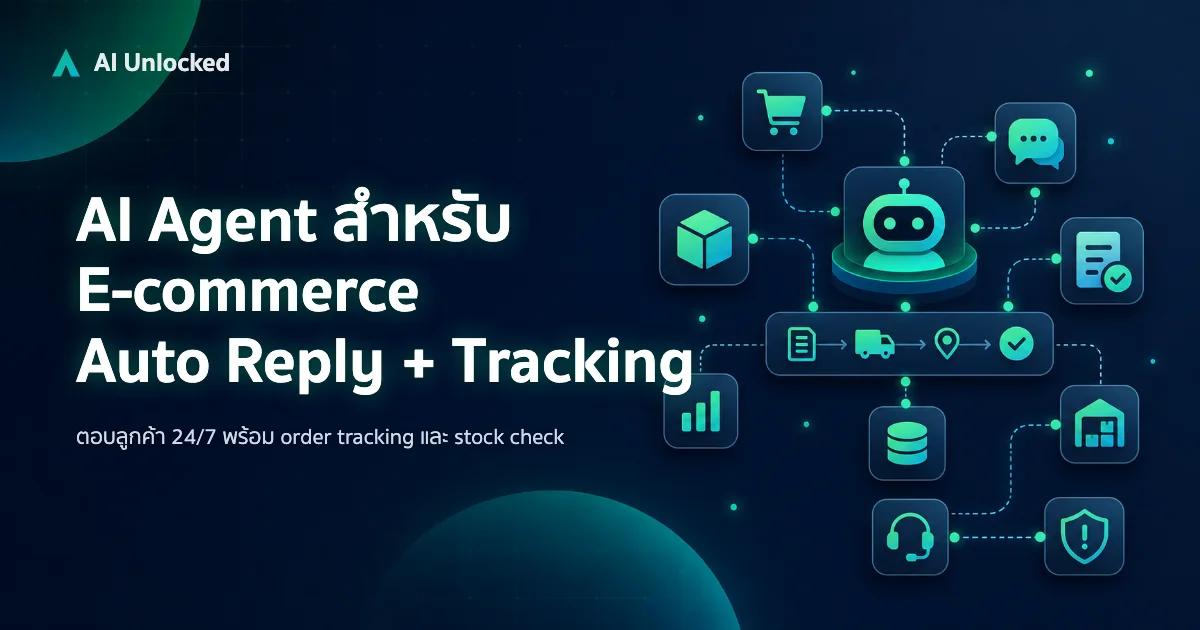
AI Agent สำหรับ E-commerce — Auto Reply + Order Tracking
AI Agent ecommerce ตอบลูกค้า 24/7 บน Shopee, Lazada, Line, FB — ครอบคลุม order tracking, stock check, escalation พร้อม workflow จริง เริ่มต้นได้เลย