
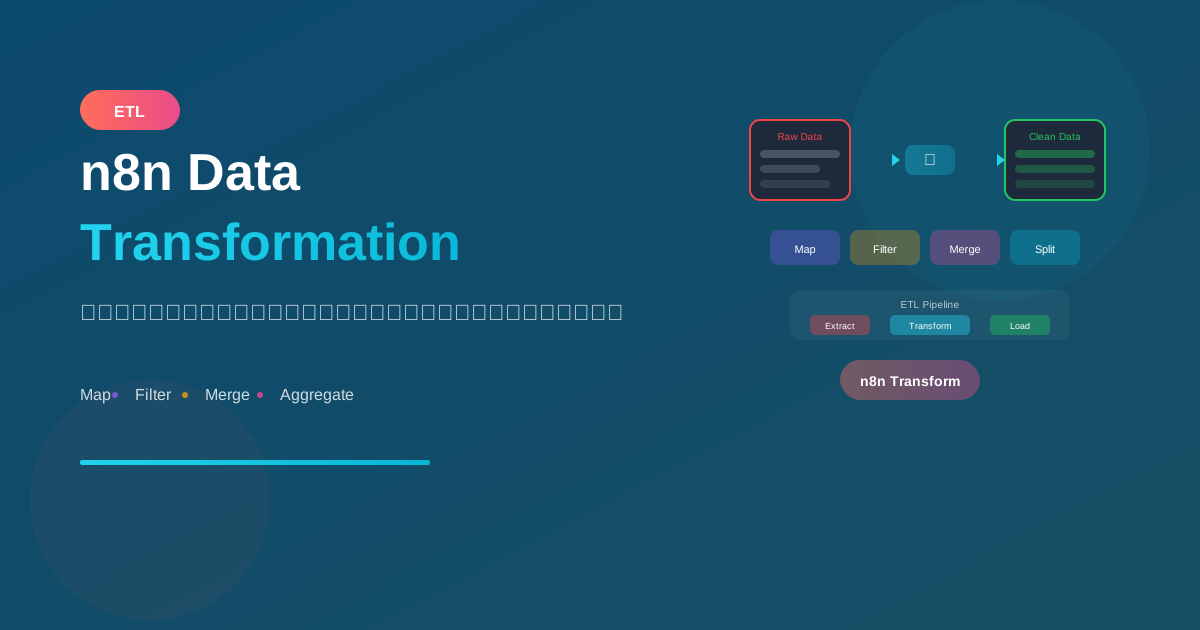
การแปลงข้อมูลเป็นหัวใจสำคัญของ automation workflow เรียนรู้วิธีใช้ nodes ต่างๆ ใน n8n เพื่อจัดการข้อมูลอย่างมีประสิทธิภาพ
Core Transformation Nodes
1. Set Node
ใช้สำหรับกำหนดค่าหรือแปลงข้อมูล:
// Input
{
  "first_name": "John",
  "last_name": "Doe",
  "price": 100
}

// Set Node Configuration
{
  "full_name": "{{ $json.first_name }} {{ $json.last_name }}",
  "price_with_tax": "{{ $json.price * 1.07 }}",
  "processed_at": "{{ $now.toISO() }}"
}

// Output
{
  "full_name": "John Doe",
  "price_with_tax": 107,
  "processed_at": "2024-01-15T10:30:00.000Z"
}
2. Code Node
สำหรับ transformation ที่ซับซ้อน:
// Transform all items
const items = $input.all();

return items.map(item => ({
  json: {
    id: item.json.id,
    name: item.json.name.toUpperCase(),
    email: item.json.email.toLowerCase(),
    status: item.json.active ? 'Active' : 'Inactive',
    tags: item.json.tags.join(', ')
  }
}));
3. Item Lists Node
จัดการ arrays:
Operations:

Split Out Items:
- แยก array เป็น individual items

Aggregate Items:
- รวม individual items เป็น array

Remove Duplicates:
- ลบ items ที่ซ้ำ

Sort:
- เรียงลำดับ items

Limit:
- จำกัดจำนวน items
Data Operations
Filtering Data
IF Node - Simple Filter
Condition: {{ $json.status === 'active' }}

True output → Active items
False output → Inactive items
Filter Node - Multiple Conditions
Conditions (AND):
- status equals "active"
- amount greater than 100
- date after "2024-01-01"

Output: เฉพาะ items ที่ผ่านทุกเงื่อนไข
Code Node - Complex Filter
const items = $input.all();

// Filter with complex logic
return items.filter(item => {
  const json = item.json;

  // Multiple conditions
  const isActive = json.status === 'active';
  const isRecent = new Date(json.created_at) > new Date('2024-01-01');
  const hasEmail = json.email && json.email.includes('@');

  return isActive && isRecent && hasEmail;
});
Mapping Data
Set Node - Field Mapping
// Rename and transform fields
{
  "customer_id": "{{ $json.id }}",
  "customer_name": "{{ $json.firstName }} {{ $json.lastName }}",
  "customer_email": "{{ $json.email.toLowerCase() }}",
  "total_orders": "{{ $json.orders?.length ?? 0 }}"
}
Code Node - Complex Mapping
const items = $input.all();

return items.map(item => {
  const source = item.json;

  return {
    json: {
      // Basic mapping
      id: source.customer_id,
      name: `${source.first_name} ${source.last_name}`,

      // Conditional mapping
      type: source.total_spent > 10000 ? 'VIP' : 'Regular',

      // Nested object mapping
      address: {
        street: source.addr_line1,
        city: source.addr_city,
        zip: source.addr_zip
      },

      // Array transformation
      tags: source.tags?.map(t => t.name) || []
    }
  };
});
Merging Data
Merge Node
Modes:

1. Append
   - รวม items จากหลาย inputs ต่อกัน
   - ใช้เมื่อ: รวม data จากหลายแหล่ง

2. Combine
   - Match items จาก 2 inputs
   - Options: Merge by Position, Merge by Key, Multiplex
   - ใช้เมื่อ: Join data เหมือน SQL JOIN

3. Choose Branch
   - เลือก output จาก branch ที่มี data
   - ใช้เมื่อ: Fallback logic
Example: Join Customer + Orders
Input 1 (Customers):
[
  { "id": 1, "name": "John" },
  { "id": 2, "name": "Jane" }
]

Input 2 (Orders):
[
  { "customer_id": 1, "total": 100 },
  { "customer_id": 1, "total": 200 }
]

Merge Node:
- Mode: Combine
- Combination Mode: Merge by Key
- Input 1 Field: id
- Input 2 Field: customer_id

Output:
[
  { "id": 1, "name": "John", "customer_id": 1, "total": 100 },
  { "id": 1, "name": "John", "customer_id": 1, "total": 200 }
]
Splitting Data
Split In Batches
Settings:
- Batch Size: 10
- Reset: true/false

ใช้เมื่อ:
- ส่ง API ที่ limit items
- ป้องกัน rate limiting
- Process ทีละ batch
Item Lists - Split Out
Input:
{
  "order_id": 1,
  "items": ["A", "B", "C"]
}

Split Out:
- Field to Split: items
- Include Other Fields: true

Output:
[
  { "order_id": 1, "items": "A" },
  { "order_id": 1, "items": "B" },
  { "order_id": 1, "items": "C" }
]
Aggregating Data
Item Lists - Aggregate
Input (multiple items):
[
  { "category": "A", "amount": 100 },
  { "category": "A", "amount": 200 },
  { "category": "B", "amount": 150 }
]

Aggregate:
- รวมทุก items เป็น array เดียว

Output:
{
  "data": [...]
}
Code Node - Group By
const items = $input.all();

// Group by category
const grouped = items.reduce((acc, item) => {
  const category = item.json.category;
  if (!acc[category]) {
    acc[category] = {
      category,
      items: [],
      total: 0
    };
  }
  acc[category].items.push(item.json);
  acc[category].total += item.json.amount;
  return acc;
}, {});

return Object.values(grouped).map(group => ({ json: group }));

// Output:
// [
//   { "category": "A", "items": [...], "total": 300 },
//   { "category": "B", "items": [...], "total": 150 }
// ]
Practical Examples
Example 1: ETL Pipeline
Workflow: Extract, Transform, Load

1. HTTP Request (Extract)
   - GET data from API

2. Code Node (Transform)
   - Clean data
   - Transform fields
   - Validate

3. IF Node (Filter)
   - Valid data → Continue
   - Invalid data → Error log

4. Database Insert (Load)
   - Insert to destination
Example 2: Data Cleaning
// Code Node - Clean Customer Data
const items = $input.all();

return items.map(item => {
  const d = item.json;

  return {
    json: {
      // Trim strings
      name: d.name?.trim() || 'Unknown',

      // Normalize email
      email: d.email?.toLowerCase().trim(),

      // Parse phone
      phone: d.phone?.replace(/[^0-9]/g, ''),

      // Handle null/undefined
      company: d.company || null,

      // Parse dates
      created_at: d.created_at
        ? new Date(d.created_at).toISOString()
        : null,

      // Fix boolean
      is_active: Boolean(d.is_active)
    }
  };
});
Example 3: Flatten Nested Data
// Code Node - Flatten Orders with Items
const items = $input.all();
const flattened = [];

items.forEach(item => {
  const order = item.json;

  order.items.forEach(product => {
    flattened.push({
      json: {
        order_id: order.id,
        order_date: order.date,
        customer_name: order.customer.name,
        product_id: product.id,
        product_name: product.name,
        quantity: product.quantity,
        price: product.price
      }
    });
  });
});

return flattened;
Example 4: Pivot Data
// Code Node - Pivot Table
const items = $input.all();

// Group and pivot
const pivoted = {};

items.forEach(item => {
  const { date, category, amount } = item.json;

  if (!pivoted[date]) {
    pivoted[date] = { date };
  }

  pivoted[date][category] = (pivoted[date][category] || 0) + amount;
});

return Object.values(pivoted).map(row => ({ json: row }));

// Input:
// [{ date: "2024-01", category: "A", amount: 100 },
//  { date: "2024-01", category: "B", amount: 200 }]

// Output:
// [{ date: "2024-01", A: 100, B: 200 }]
Performance Tips
1. Process in Batches
Split In Batches node:
- Batch Size: 100
- ป้องกัน memory issues
- ดีกว่า process ทีละ item
2. Early Filtering
❌ ไม่ดี:
Transform all data → Filter

✅ ดี:
Filter first → Transform only needed data
3. Use Expressions vs Code
Simple transforms → Expressions (faster)
Complex logic → Code Node (more flexible)
สรุป
Data Transformation Nodes:
- Set Node: กำหนด/แปลงค่า
- Code Node: Logic ซับซ้อน
- Item Lists: จัดการ arrays
- Merge Node: รวม data
- IF/Filter: กรองข้อมูล
Common Operations:
- Map: แปลง fields
- Filter: เลือก items
- Merge: รวม datasets
- Split: แยก items
- Aggregate: รวมผลลัพธ์
Best Practices:
- Filter early, transform late
- Process in batches
- Use appropriate node for task
อ่านเพิ่มเติม:
เขียนโดย
AI Unlocked Team
สถาบันสอน AI และ Vibe Coding — เชียงใหม่และออนไลน์
AI Unlocked สอน AI และ Vibe Coding มากว่า 15 ปี ผู้เรียนกว่า 1,500 คน โฟกัสลงมือทำจริงด้วย Claude Code, n8n และ AI Agent
บทความในหัวข้อเดียวกัน

สร้าง AI Agent — Complete Guide ภาษาไทย 2026
เรียนรู้สร้าง AI Agent ตั้งแต่ศูนย์ ครอบคลุม Claude Agent SDK, OpenAI Agents, LangGraph, n8n พร้อม Use Case ธุรกิจไทย — เริ่มต้นได้วันนี้

AI Agent + Voice — สอนสร้าง Voice Assistant ภาษาไทย
สอนสร้าง AI Voice Agent ภาษาไทยตั้งแต่ STT → LLM → TTS พร้อม tutorial Python และ use case จริง — เริ่มต้นได้วันนี้ที่ aiunlock.co

AI Agent สำหรับ E-commerce — Auto Reply + Order Tracking
AI Agent ecommerce ตอบลูกค้า 24/7 บน Shopee, Lazada, Line, FB — ครอบคลุม order tracking, stock check, escalation พร้อม workflow จริง เริ่มต้นได้เลย