
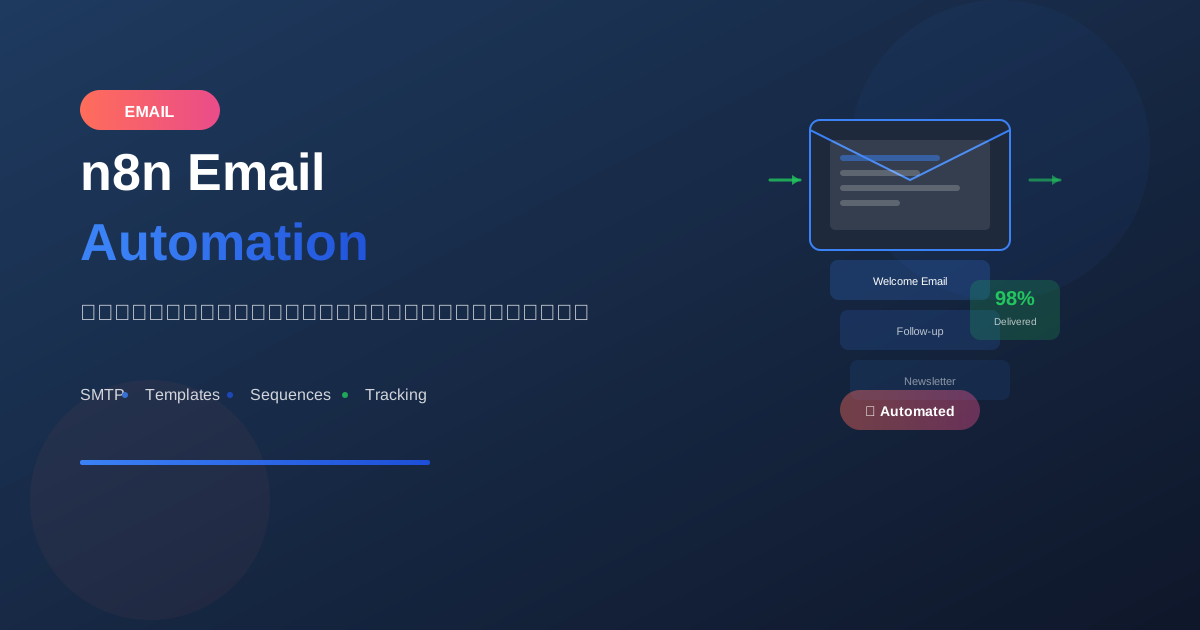
Email automation เป็นหนึ่งใน use cases หลักของ n8n เรียนรู้วิธีส่งอีเมลอัตโนมัติตั้งแต่พื้นฐานจนถึงขั้นสูง
Email Nodes ใน n8n
1. Send Email Node (SMTP)
ใช้กับ: SMTP server ทั่วไป

ต้องการ:
- SMTP Host
- Port (587/465/25)
- Username
- Password
- SSL/TLS settings
2. Gmail Node
ใช้กับ: Google Workspace / Gmail

ต้องการ:
- OAuth2 credentials
- Gmail API enabled
3. Microsoft Outlook Node
ใช้กับ: Microsoft 365 / Outlook

ต้องการ:
- OAuth2 credentials
- Microsoft Graph API
Setup SMTP Credentials
Gmail SMTP
Settings:
- Host: smtp.gmail.com
- Port: 587
- User: [email protected]
- Password: App Password (ไม่ใช่รหัส Gmail)

หมายเหตุ: ต้องเปิด 2FA และสร้าง App Password
Office 365 SMTP
Settings:
- Host: smtp.office365.com
- Port: 587
- User: [email protected]
- Password: your password
- TLS: Required
Custom SMTP
Settings:
- Host: mail.yourdomain.com
- Port: 587 (TLS) or 465 (SSL)
- User: [email protected]
- Password: your password
Basic Email Sending
Simple Email
Node: Send Email

From: [email protected]
To: [email protected]
Subject: Hello from n8n
Text: This is a test email.
HTML Email
Node: Send Email

From: [email protected]
To: {{ $json.email }}
Subject: Welcome to our service!

HTML:
<html>
<body>
  <h1>Welcome, {{ $json.name }}!</h1>
  <p>Thank you for signing up.</p>
  <a href="https://example.com/verify?token={{ $json.token }}">
    Click here to verify your email
  </a>
</body>
</html>
Multiple Recipients
To: [email protected], [email protected]
CC: [email protected]
BCC: [email protected]
Email Templates
Template Structure
<!DOCTYPE html>
<html>
<head>
<style>
body { font-family: Arial, sans-serif; }
.container { max-width: 600px; margin: 0 auto; }
.header { background: #4F46E5; color: white; padding: 20px; }
.content { padding: 20px; }
.footer { background: #f3f4f6; padding: 20px; text-align: center; }
.button {
background: #4F46E5;
color: white;
padding: 12px 24px;
text-decoration: none;
border-radius: 5px;
}
</style>
</head>
<body>
<div class="container">
<div class="header">
<h1>{{ $json.company_name }}</h1>
</div>
<div class="content">
<h2>Hello {{ $json.name }},</h2>
<p>{{ $json.message }}</p>
<a href="{{ $json.cta_url }}" class="button">{{ $json.cta_text }}</a>
</div>
<div class="footer">
<p>© 2024 {{ $json.company_name }}</p>
<p><a href="{{ $json.unsubscribe_url }}">Unsubscribe</a></p>
</div>
</div>
</body>
</html>
Using Function Node for Templates
// Code Node - Generate Email HTML
const template = `
<!DOCTYPE html>
<html>
<body style="font-family: Arial; max-width: 600px; margin: 0 auto;">
  <h1 style="color: #4F46E5;">Order Confirmation</h1>
  <p>Hi ${$json.customer_name},</p>
  <p>Your order #${$json.order_id} has been confirmed.</p>

  <table style="width: 100%; border-collapse: collapse;">
    <tr style="background: #f3f4f6;">
      <th style="padding: 10px; text-align: left;">Item</th>
      <th style="padding: 10px; text-align: right;">Price</th>
    </tr>
    ${$json.items.map(item => `
    <tr>
      <td style="padding: 10px;">${item.name}</td>
      <td style="padding: 10px; text-align: right;">฿${item.price}</td>
    </tr>
    `).join('')}
    <tr style="font-weight: bold;">
      <td style="padding: 10px;">Total</td>
      <td style="padding: 10px; text-align: right;">฿${$json.total}</td>
    </tr>
  </table>

  <p>Thank you for your purchase!</p>
</body>
</html>
`;

return { html: template };
Attachments
File from Binary
Node: Send Email

Attachments:
- Property: data (binary property name)

Binary data มาจาก:
- HTTP Request (download file)
- Read Binary File
- Spreadsheet node (export)
Multiple Attachments
// Prepare attachments in Code Node
const attachments = [
  {
    filename: 'report.pdf',
    content: $binary.report.data,
    contentType: 'application/pdf'
  },
  {
    filename: 'data.xlsx',
    content: $binary.spreadsheet.data,
    contentType: 'application/vnd.openxmlformats-officedocument.spreadsheetml.sheet'
  }
];

return { attachments };
Inline Images
<!-- Reference inline image with cid -->
<img src="cid:logo" alt="Company Logo">

<!-- In Send Email node, add attachment with -->
Content-ID: <logo>
Practical Examples
Example 1: Welcome Email
Workflow: Welcome New Users

1. Webhook Trigger (from signup)

2. Set Node - Prepare Data
{
  "name": "{{ $json.user.first_name }}",
  "email": "{{ $json.user.email }}",
  "verify_url": "https://app.example.com/verify?token={{ $json.verify_token }}"
}

3. Send Email
   To: {{ $json.email }}
   Subject: Welcome to Example App!
   HTML: (welcome template)
Example 2: Order Notification
Workflow: Order Confirmation

1. Webhook Trigger (from e-commerce)

2. HTTP Request - Get Order Details
   URL: https://api.store.com/orders/{{ $json.order_id }}

3. Code Node - Generate Invoice HTML

4. HTTP Request - Generate PDF Invoice
   (หรือใช้ PDF node)

5. Send Email
   To: {{ $json.customer_email }}
   Subject: Order #{{ $json.order_id }} Confirmed
   HTML: (order template)
   Attachment: invoice.pdf
Example 3: Scheduled Report
Workflow: Weekly Report

1. Schedule Trigger (0 9 * * 1)

2. Query Database - Get Weekly Stats

3. Spreadsheet File - Create Excel Report

4. Code Node - Generate HTML Summary

5. Send Email
   To: [email protected]
   Subject: Weekly Report - {{ $now.toFormat('dd MMM yyyy') }}
   HTML: (report summary)
   Attachment: report.xlsx
Example 4: Email Sequence
Workflow: Onboarding Sequence

1. Webhook (new signup)

2. Send Email - Day 0: Welcome

3. Wait Node - 1 day

4. Send Email - Day 1: Getting Started

5. Wait Node - 2 days

6. Send Email - Day 3: Tips & Tricks

7. Wait Node - 4 days

8. Send Email - Day 7: Check-in
Email Tracking
Open Tracking
วิธีการ:
1. ใส่ tracking pixel ใน email

<img src="https://track.example.com/open?id={{ $json.email_id }}"
     width="1" height="1" style="display:none;">

2. สร้าง webhook รับ tracking events
3. บันทึกลง database
Click Tracking
วิธีการ:
1. Wrap links ด้วย tracking URL

แทนที่:
https://example.com/product

เป็น:
https://track.example.com/click?url=https://example.com/product&id={{ $json.email_id }}

2. Redirect และบันทึก click
Error Handling
Bounce Handling
Workflow: Handle Bounces

1. Webhook (from email provider)

2. IF - Check bounce type
   - Hard bounce → Mark email invalid
   - Soft bounce → Retry later

3. Update database

4. Alert if high bounce rate
Retry Failed Sends
Workflow: Email with Retry

1. Try: Send Email
   Continue on Fail: true

2. IF - Check if error

3. On Error:
   - Log error
   - Wait 5 minutes
   - Retry (max 3 times)
   - If still fails → Alert admin
Best Practices
1. Email Deliverability
✅ Do:
- Use authenticated SMTP
- Set proper From name
- Include unsubscribe link
- Avoid spam trigger words
- Test before sending

❌ Don't:
- Send to invalid emails
- Use misleading subjects
- Send too many too fast
2. Rate Limiting
Email Provider Limits:
- Gmail: 500/day (personal), 2000/day (Workspace)
- Office 365: 10,000/day
- SendGrid: varies by plan

Solution:
- Split In Batches node
- Wait between batches
- Use email service APIs
3. Personalization
Good personalization:
- Use recipient's name
- Reference their activity
- Relevant content
- Proper greeting based on time

"Hi {{ $json.name }},

We noticed you've been using {{ $json.feature_name }}.
Here are some tips to get more out of it..."
4. Testing
Before production:
1. Send to test email first
2. Check rendering in different clients
3. Test all dynamic content
4. Verify links work
5. Check attachments
สรุป
Email Automation Essentials:
- Setup: SMTP credentials หรือ OAuth
- Templates: HTML + dynamic content
- Attachments: Binary files support
- Tracking: Opens และ clicks
- Error Handling: Bounces และ retries
Common Use Cases:
- Welcome emails
- Order confirmations
- Scheduled reports
- Email sequences
- Alert notifications
Best Practices:
- ใช้ templates ที่ responsive
- Personalize content
- Respect rate limits
- Test thoroughly
อ่านเพิ่มเติม:
เขียนโดย
AI Unlocked Team
สถาบันสอน AI และ Vibe Coding — เชียงใหม่และออนไลน์
AI Unlocked สอน AI และ Vibe Coding มากว่า 15 ปี ผู้เรียนกว่า 1,500 คน โฟกัสลงมือทำจริงด้วย Claude Code, n8n และ AI Agent
บทความในหัวข้อเดียวกัน
สร้าง AI Agent — Complete Guide ภาษาไทย 2026
เรียนรู้สร้าง AI Agent ตั้งแต่ศูนย์ ครอบคลุม Claude Agent SDK, OpenAI Agents, LangGraph, n8n พร้อม Use Case ธุรกิจไทย — เริ่มต้นได้วันนี้
AI Agent + Voice — สอนสร้าง Voice Assistant ภาษาไทย
สอนสร้าง AI Voice Agent ภาษาไทยตั้งแต่ STT → LLM → TTS พร้อม tutorial Python และ use case จริง — เริ่มต้นได้วันนี้ที่ aiunlock.co
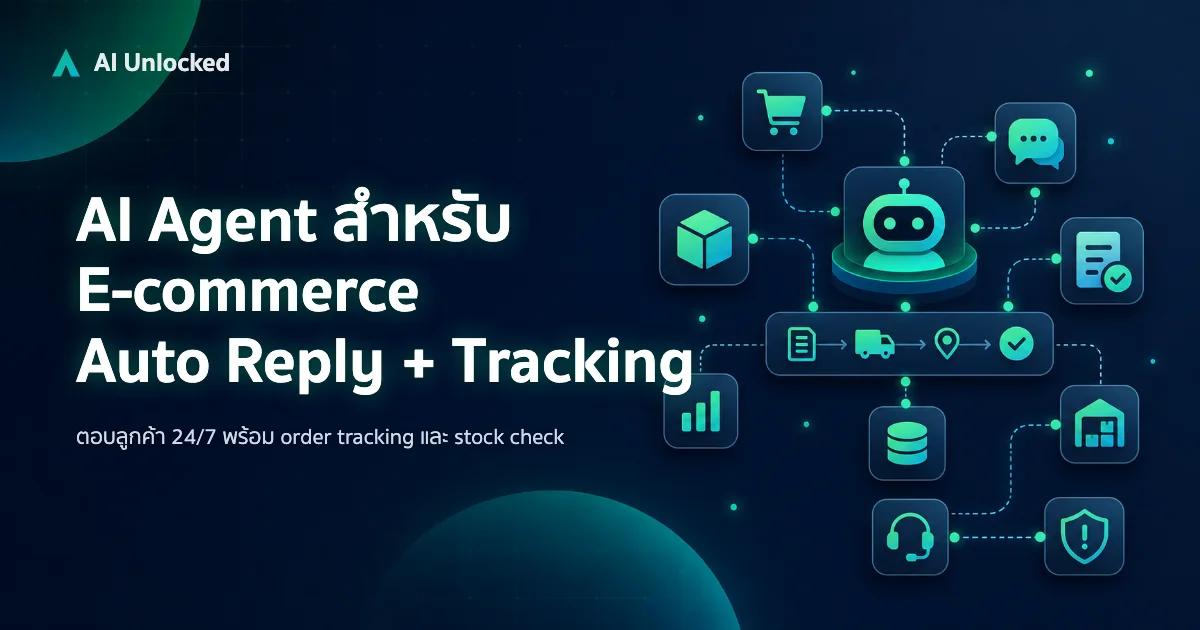
AI Agent สำหรับ E-commerce — Auto Reply + Order Tracking
AI Agent ecommerce ตอบลูกค้า 24/7 บน Shopee, Lazada, Line, FB — ครอบคลุม order tracking, stock check, escalation พร้อม workflow จริง เริ่มต้นได้เลย